
TrainCompass.com
Modern travel planning desk with laptop and phone in soft daylight.

Pricing & fees

Transparent totals before payment — with a clear breakdown so you know exactly what you’re paying for.

Total shown before paymentClear fee breakdownLocal-currency checkout where availableReceipts for reimbursement

How pricing works

Train pricing can change based on fare type, availability, and timing. Traincompass is designed to keep totals clear before you pay.

Card 1 — Rail fare

The base fare set by the rail operator for the route and ticket type.

Card 2 — Operator charges

Some operators include additional charges depending on the service and ticket rules.

Card 3 — Service/concierge fee (when applicable)

When applicable, this supports a consistent booking flow, clearer guidance, and support.

  • - Consistent checkout across operators
  • - Clearer guidance on ticket rules
  • - Support when plans change

Card 4 — Taxes (when applicable)

Taxes may apply depending on route, ticket type, and local rules.

You’ll always see the total price and fee breakdown before confirming payment.

Neatly arranged papers and cards representing an organized pricing breakdown.

Example breakdown (what you’ll see before payment)

Every booking shows the full total and a clear breakdown before you confirm payment.

Total

  • Rail fare
  • Operator charges (if applicable)
  • Service/concierge fee (if applicable)
  • Taxes (if applicable)

Amounts depend on route, fare type, and availability.

What you pay may include

  • Rail fare (set by the operator)
  • Operator charges where applicable
  • Traincompass service/concierge fee where applicable
  • Taxes where applicable
Close-up of card payment near a terminal in a travel context.

Why prices may differ from operator sites

  • Different fare type or seat/class selection
  • Availability and timing (dynamic pricing)
  • Included reservations or extras
  • Currency conversion and bank FX differences
  • Service fee for a consistent booking experience and support

If you’re comparing options, focus on what’s included and the total — not just the headline number.

Currency and card acceptance

Where available, local-currency checkout can reduce foreign-card failures and unexpected FX. Your bank may still apply its own fees depending on your card and account.

What TrainCompass controls

  • - Total shown before payment
  • - Local-currency checkout where available

What your bank may control

  • - FX fees
  • - Currency conversion rules
Travel wallet, card, and phone arrangement representing currency-friendly checkout.

Receipts for reimbursement

You can access receipts and booking confirmations in My trips. If you need additional details for reimbursement, contact support.

Contact support →
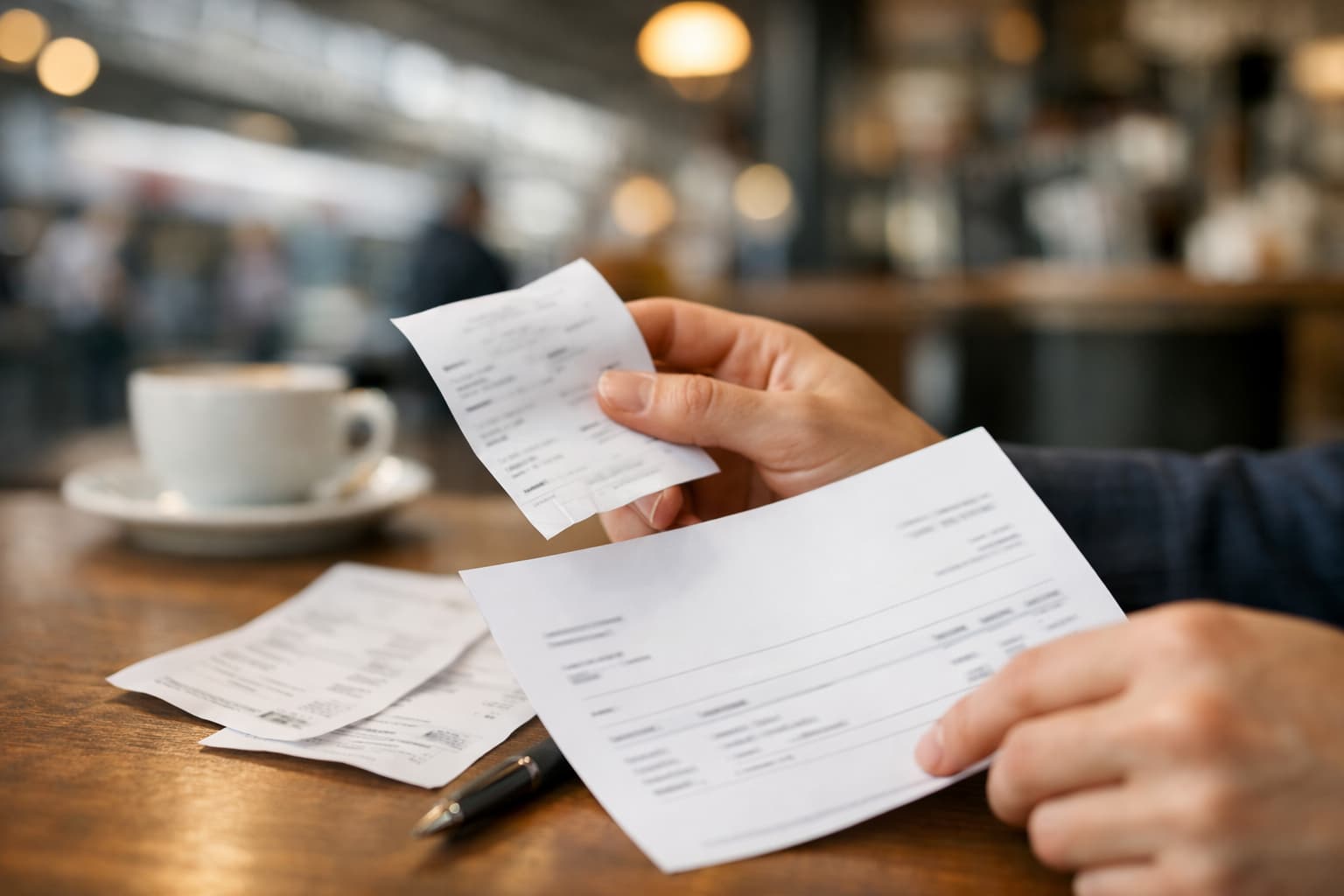
Receipt-style document with blurred text in a clean travel cafe setting.

Frequently asked questions

Quick answers about totals, fees, and currency.

Still unsure?

Ready to book?

Search once, compare clearly, and see the total before you pay.

Helpful next steps

TrainCompass support

Live Chat Support

Start a chat and we will help with date changes, ticket delivery, fees, disruptions, and privacy questions.

Email supportletsride@traincompass.com